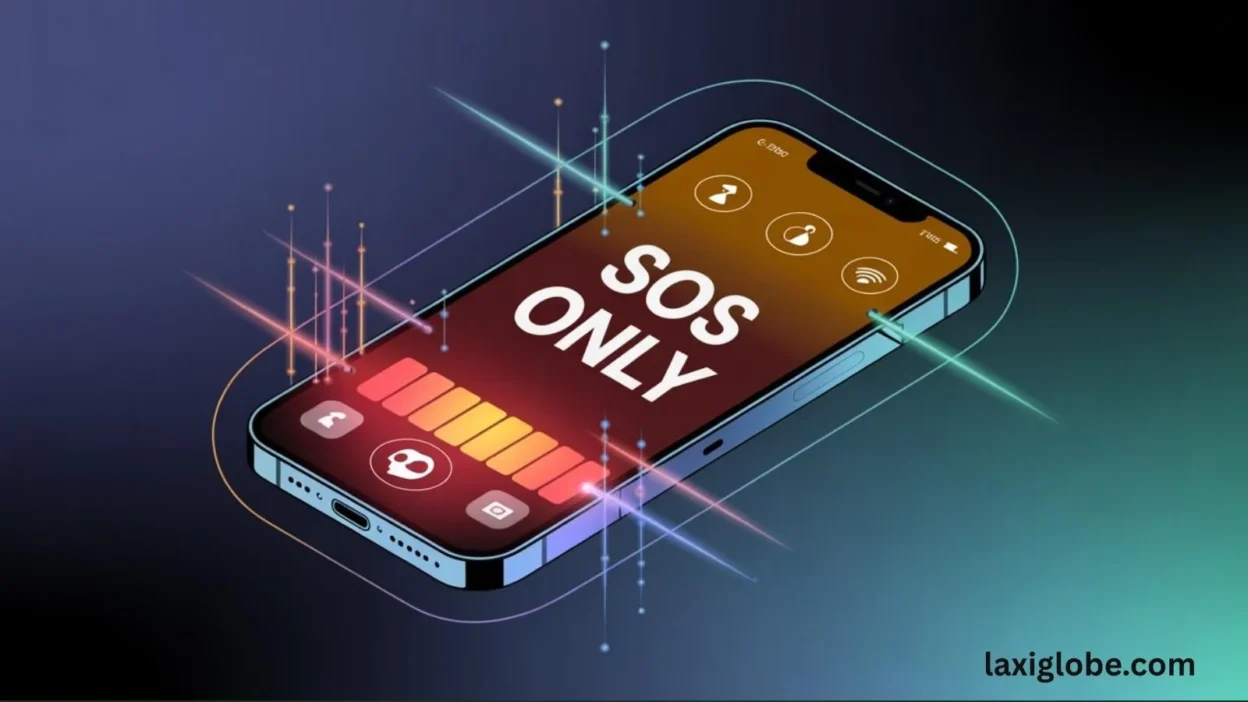
If you’ve ever glanced at your iPhone and suddenly seen “SOS” or “SOS Only” at the top of the screen, you’re not alone — and yes, it looks scary at first 😅.
Many people instantly think something is wrong with their device or network. But don’t panic!
Quick Reply 🔍
If your iPhone shows “SOS,” it simply means your device can make emergency calls even if you have no normal cellular signal. It’s a safety feature — not a problem.
Understanding exactly why SOS appears, when it matters, and what to do next keeps you safe, informed, and confident using your iPhone anywhere — whether you’re traveling, outdoors, or in a real emergency.
Let’s break it all down clearly. ✨
What Does SOS Mean on iPhone? (Full Definition) 📘
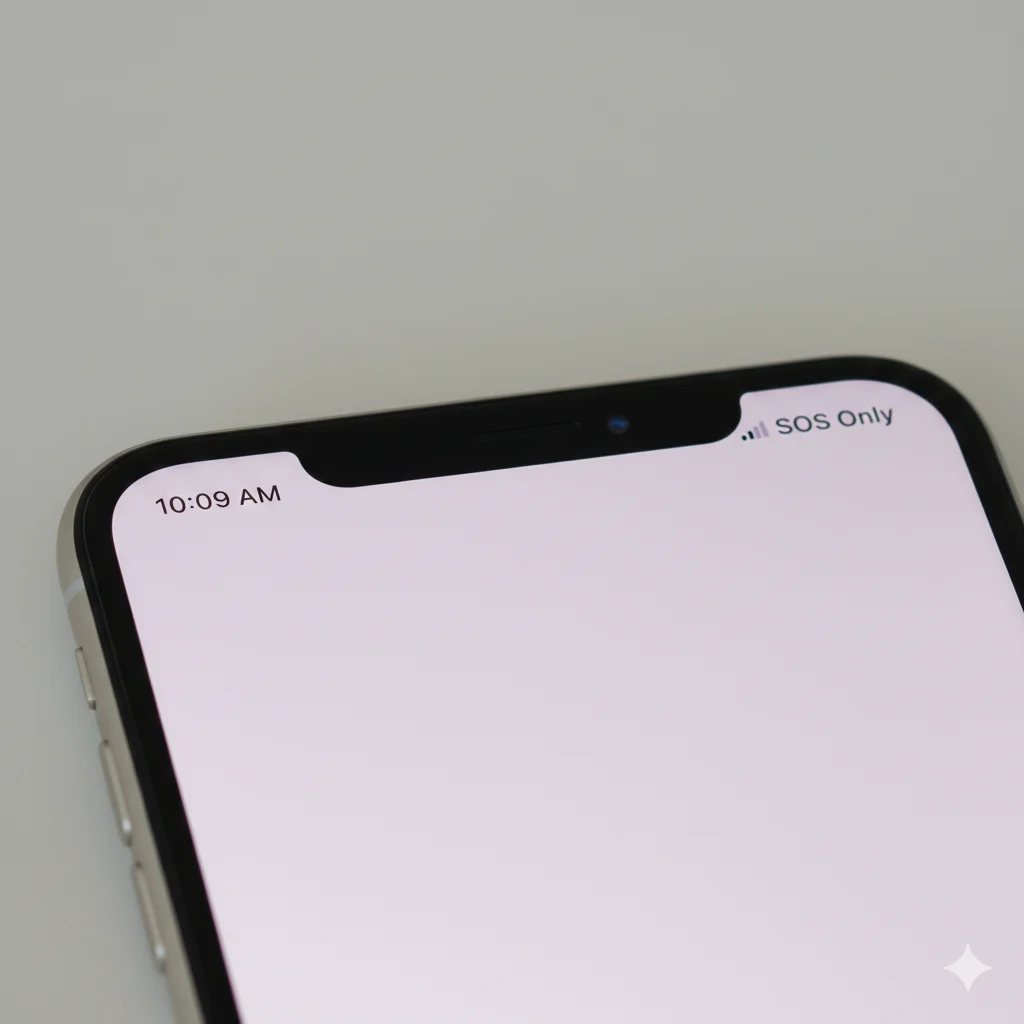
SOS on an iPhone refers to Apple’s “Emergency SOS” feature, designed to help you quickly call your local emergency services. Depending on your network conditions, you might see:
1. Emergency SOS 🚨
This is the actual safety feature that allows you to:
- Press buttons to call emergency services instantly
- Share your location with emergency contacts
- Use features even without standard service
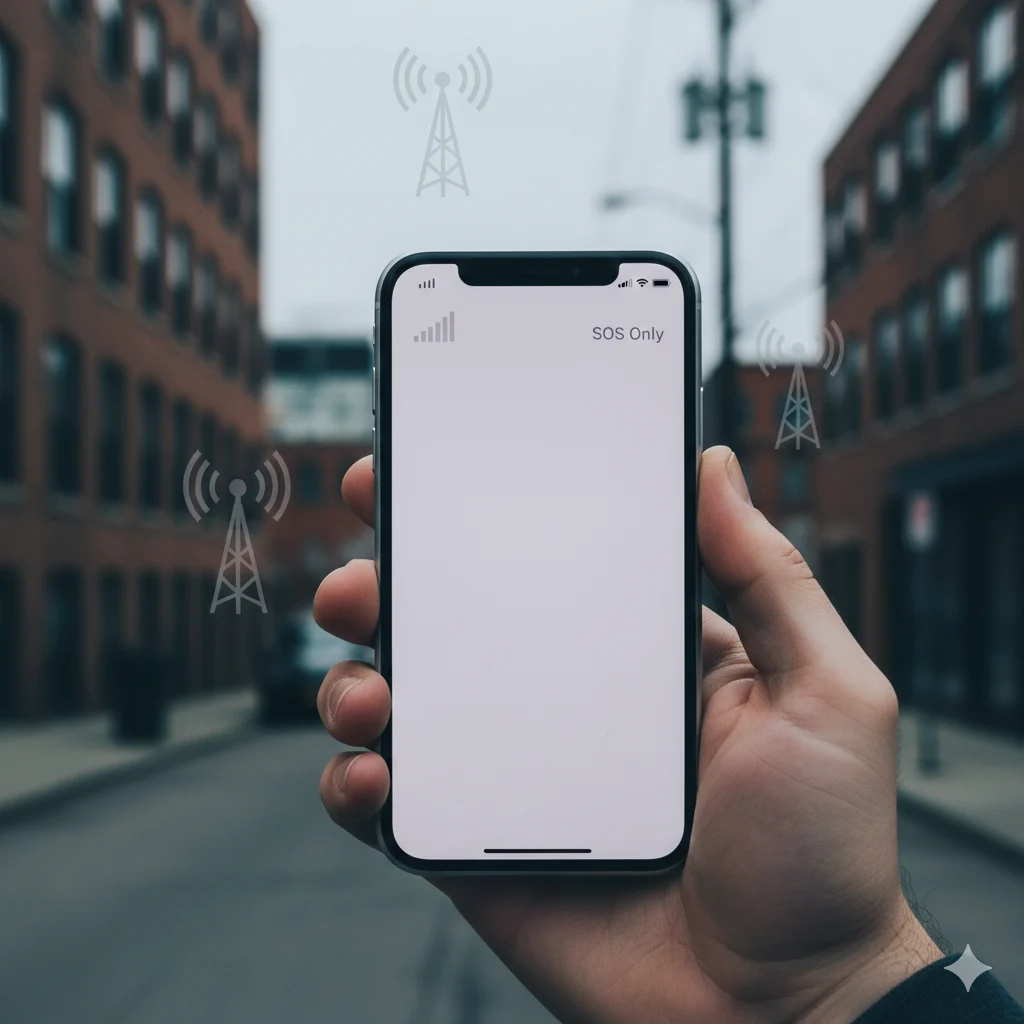
2. SOS Only 📡
Displayed when:
- There’s no regular cellular service, but
- You can still make emergency calls like 911 or 112
3. SOS via Cellular 📶
Appears when:
- Normal calling/data doesn’t work
- But your phone still connects to emergency networks
Example
Scenario: You’re traveling and the top-right corner says “SOS Only.”
Meaning: Your carrier doesn’t work in that area, but your iPhone can still call local emergency numbers.
👉 Key Point: SOS doesn’t mean your iPhone is broken — it means it’s ready for emergency communication.
Background: When Did Apple Introduce SOS? 🕰️
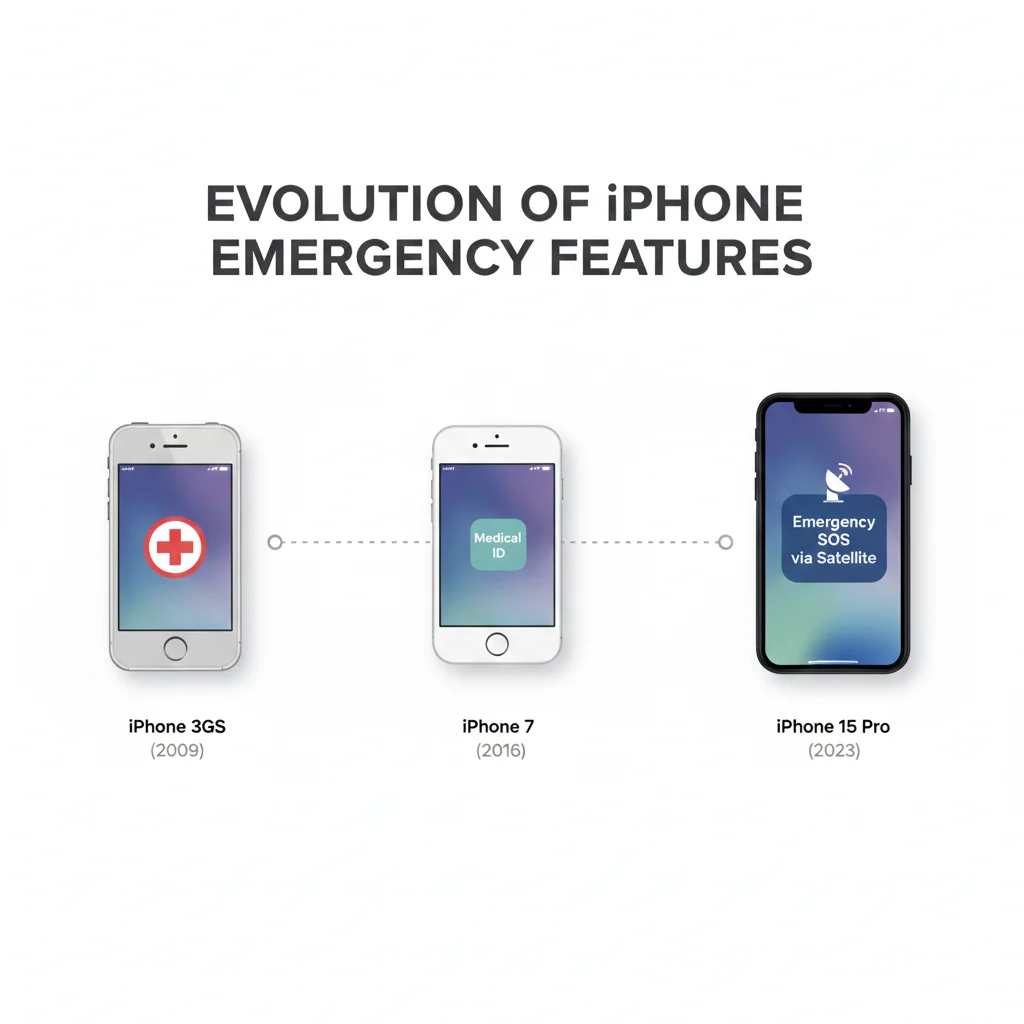
Apple added Emergency SOS to improve user safety worldwide. Here’s a quick timeline:
- 2016 (iOS 10): First appearance on iPhone 7
- iOS 11–16: Added automatic location sharing + emergency contacts
- Current iPhones (8 → 15+):
- Press buttons to activate SOS
- Satellite SOS (iPhone 14 and newer) in supported regions
- Better detection of accidents & emergencies
Apple continues improving SOS as part of its global safety system.
Why Your iPhone Shows SOS or SOS Only 📲
Here are the most common situations:
1. You’re in an Area With No Carrier Signal 🌍
Low or no signal triggers SOS Only.
Emergency networks → still available.
2. You’re Traveling Internationally ✈️
Your carrier might not work abroad, but emergency networks do.
3. Network Outages or System Issues ⚠️
If your carrier is temporarily down, SOS appears.
4. You Accidentally Pressed SOS Buttons 😅
On newer iPhones:
- Pressing the side button + volume button
- Or pressing the side button 5 times
may activate SOS.
How Emergency SOS Works on iPhone 🔧
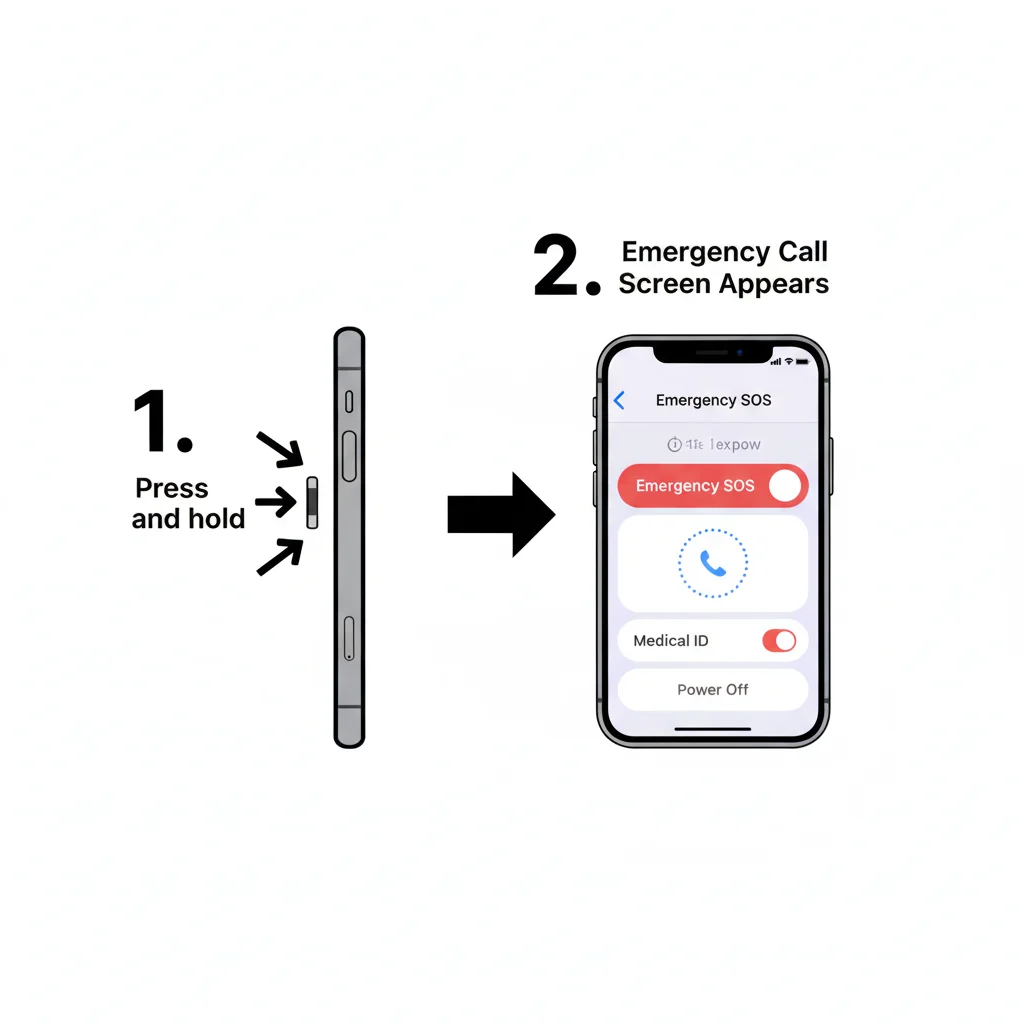
Activation Methods
Depending on your model:
- Press side button 5 times
- Hold side button + volume button
- Crash Detection (iPhone 14–15): auto-initiated
- Satellite SOS (if supported regionally)
What Happens After Activation
Your iPhone will:
- Call local emergency services (911, 112, etc.)
- Share your approximate location
- Notify emergency contacts (if enabled)
Common Misconceptions (Fixed!) ❌➡️✔️
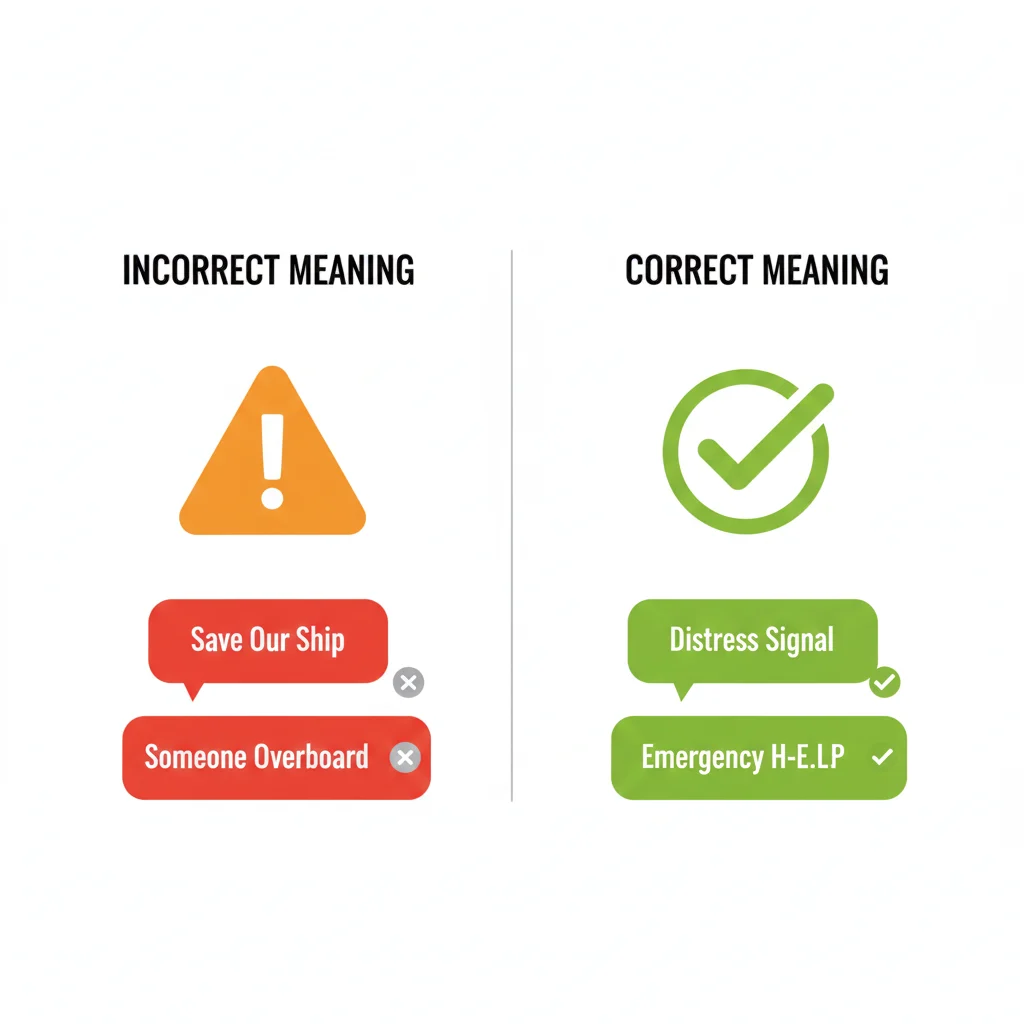
❌ “SOS means my phone is broken.”
✔️ No — your phone is protecting you.
❌ “SOS calls police automatically.”
✔️ Not unless you activate Emergency SOS manually.
❌ “SOS drains battery fast.”
✔️ It uses very little battery unless you’re making a call or using SOS features.
When You SHOULD Worry vs. When You SHOULDN’T 😬👌
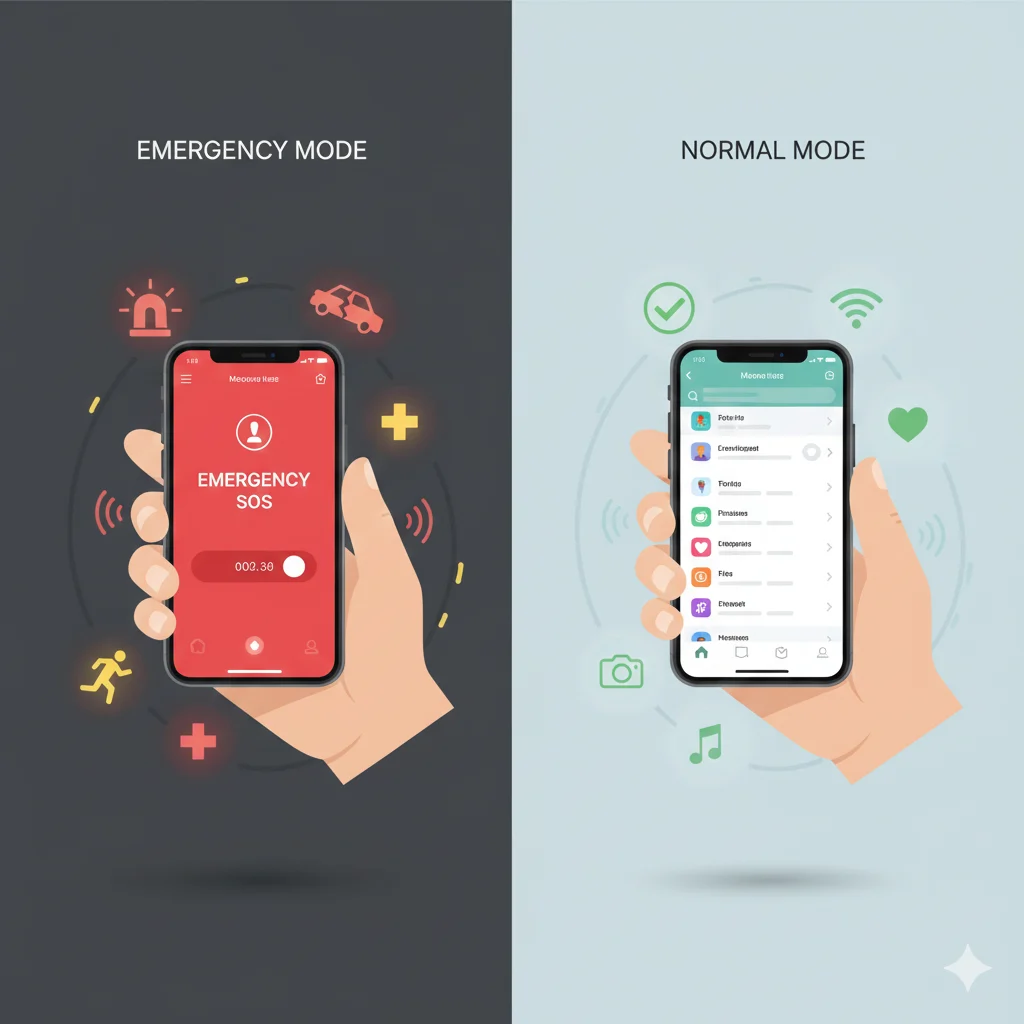
No Need to Worry:
- Traveling abroad
- Weak carrier signal
- Inside basements, elevators, mountains
- Network outage
Check Your Phone When:
- SOS stays on for long periods
- You can’t make normal calls anywhere
- SIM card or eSIM not detected
What to Do If You See SOS or SOS Only 🛠️
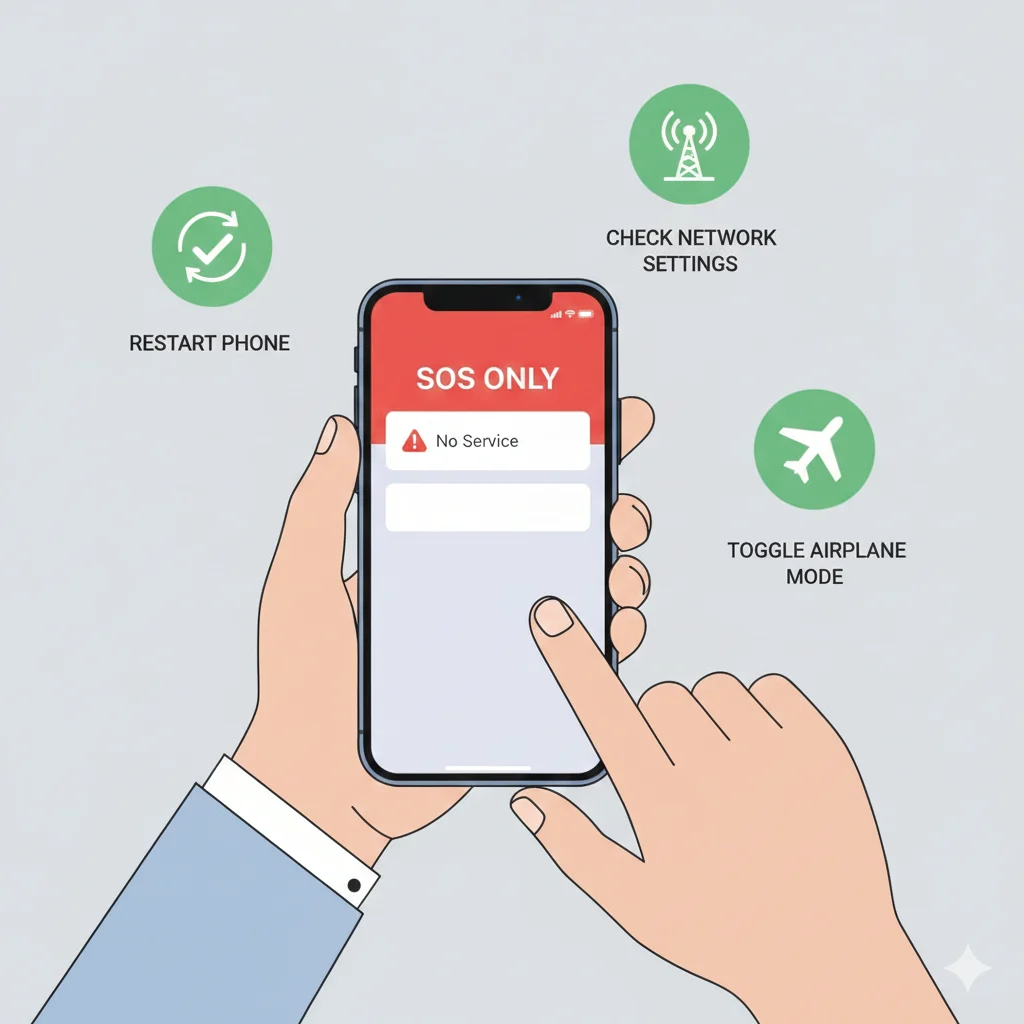
1. Check Network Signal
Move to an open area or near a window.
2. Toggle Airplane Mode ✈️
ON → wait 5 seconds → OFF
3. Restart Your iPhone 🔁
4. Check Carrier Settings
Settings → General → About → Update Carrier Settings
5. Confirm Your SIM/eSIM Is Active
6. Contact Your Network Provider
If SOS stays for hours, your carrier may be down.
Tips to Prevent Accidental SOS Calls 💡
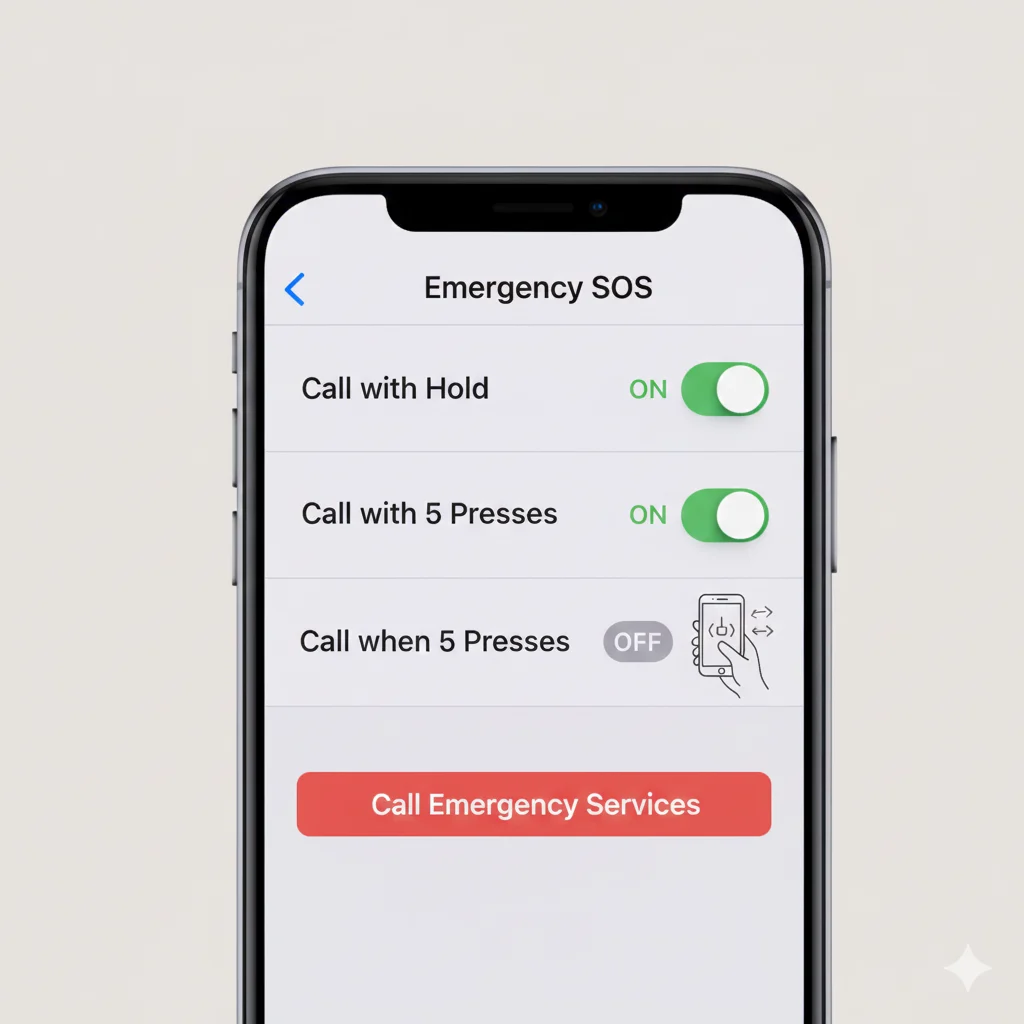
- Avoid pressing side button repeatedly
- Disable Auto Call if you keep triggering it Settings → Emergency SOS → Turn off Auto Call
- Use a case that doesn’t squeeze the buttons
Variations by Region 🌎
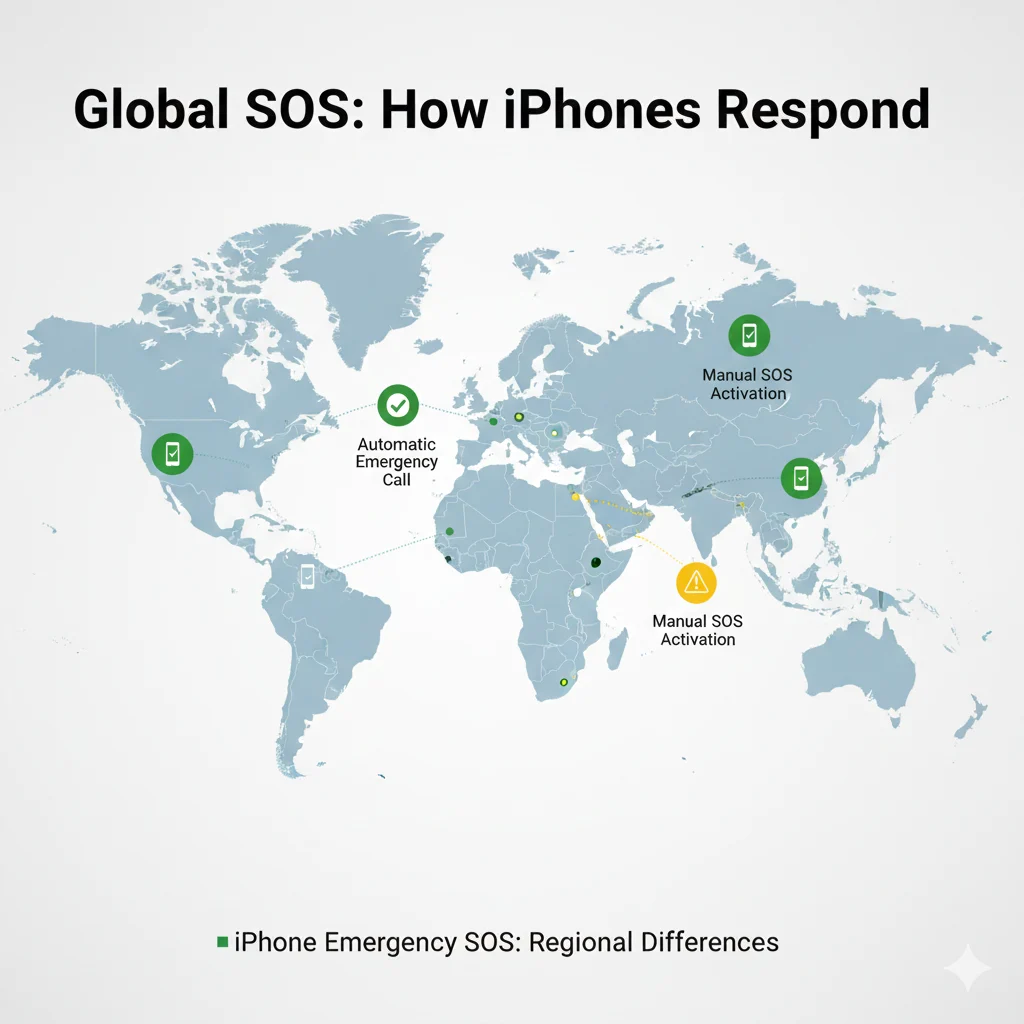
North America
- Calls 911
Europe
- Calls 112
Asia & Middle East
- Automatically calls the correct local emergency number
Your iPhone detects region automatically — you don’t need to set anything.
Similar Terms You May See 🧩
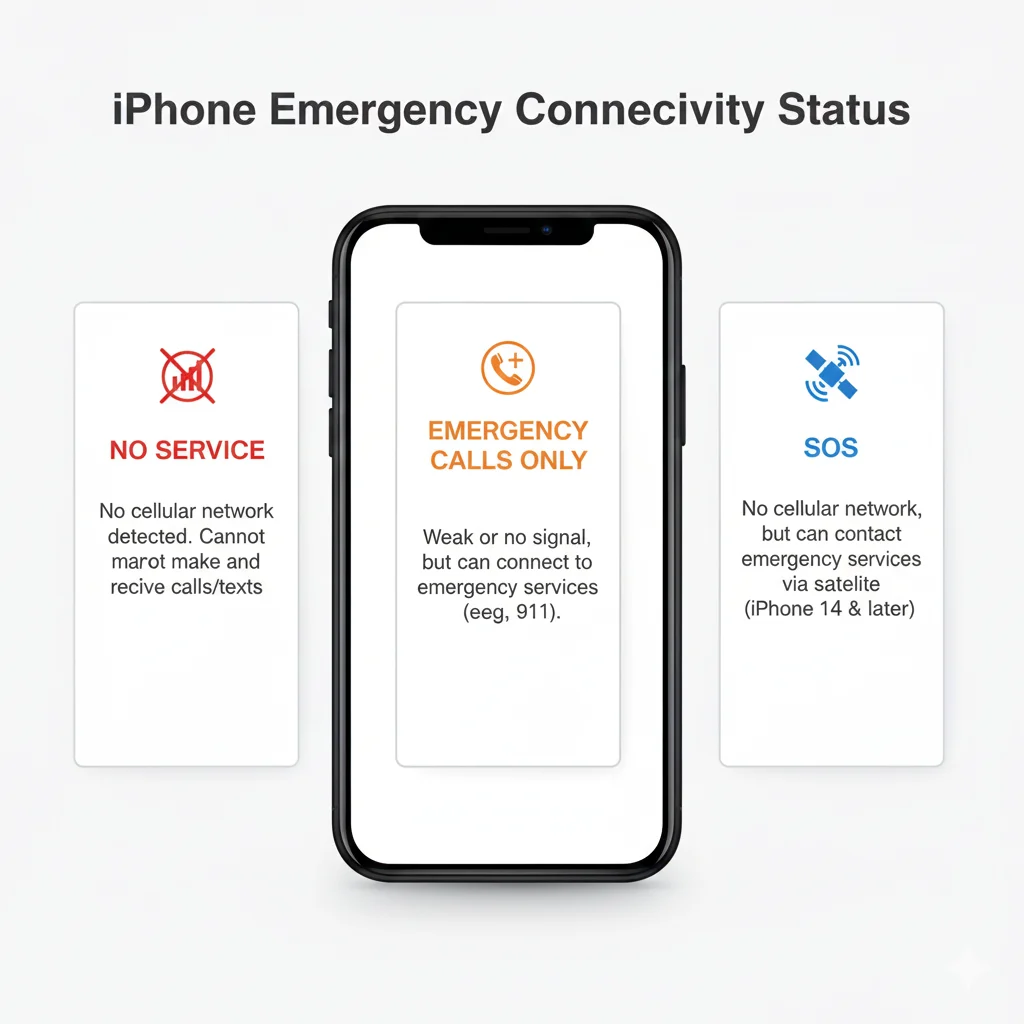
| Term | Meaning | Why It Matters |
|---|---|---|
| SOS Only | No carrier service but emergency calls work | Not an error |
| Emergency SOS | Button-activated emergency call | Life-saving tool |
| Medical ID | Your health info for responders | Shows info on lock screen |
| Emergency Contacts | People who get notified after SOS | Helps family locate you |
How iPhone Users Discuss SOS Online 💬
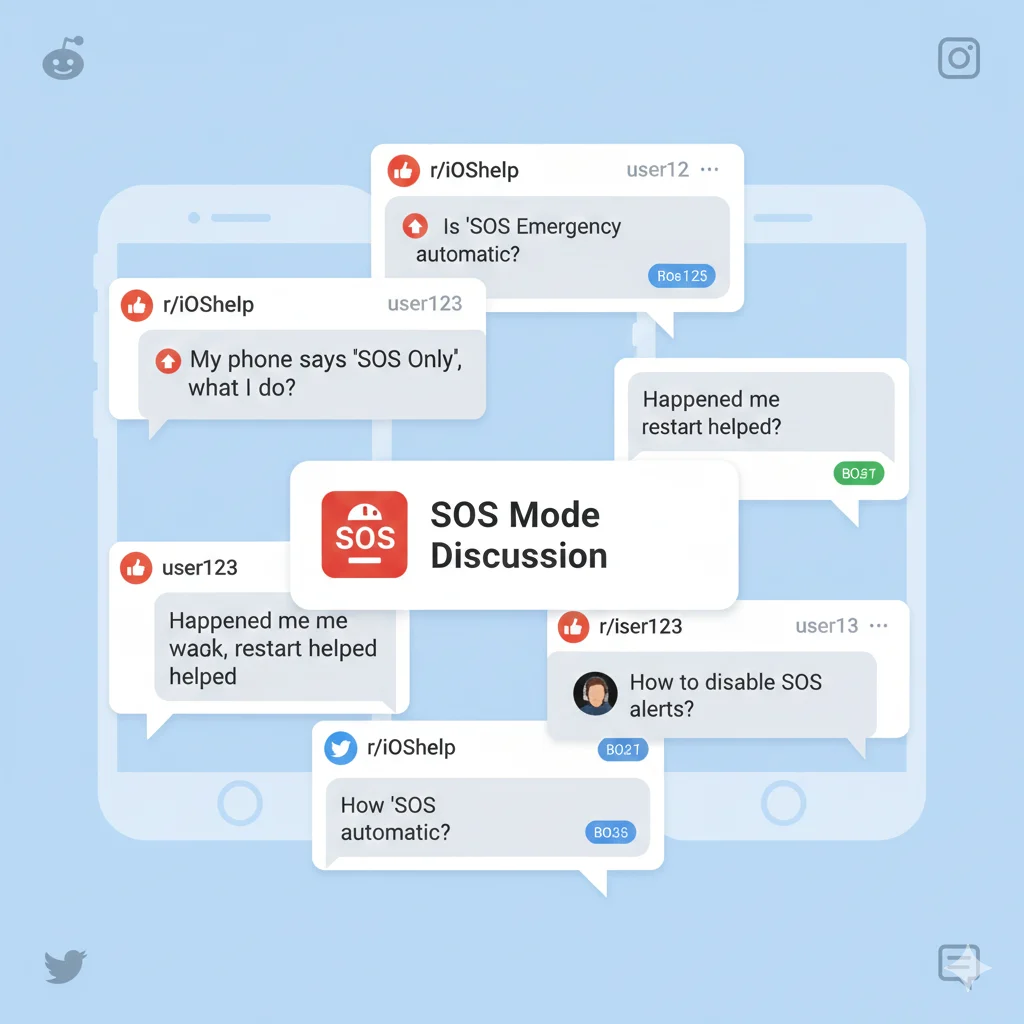
On Reddit, Apple forums, and tech groups, people often ask things like:
- “Why did my iPhone randomly say SOS Only?”
- “Is my SIM card dead?”
- “Does SOS mean my iPhone got hacked?”
Common community advice includes:
- Reset network settings
- Try another SIM
- Switch LTE/5G bands
- Update to the latest iOS
Does SOS Have Any Hidden Meaning? 🤐
No.
SOS on iPhone is strictly a safety feature.
No slang, no coded messages, no offensive meaning.
Professional Usage 🧑💼
Using “SOS on iPhone” is perfectly fine in:
- Tech discussions
- IT guides
- Support emails
Avoid using it jokingly in serious or workplace situations.
FAQs ❓
1. What does SOS mean on iPhone?
It indicates your phone can make emergency calls even without normal service.
2. Why does my iPhone show SOS Only?
Your device is out of your carrier’s coverage area.
3. How do I activate Emergency SOS?
Hold the side button + volume button, or press the side button 5 times.
4. Does SOS notify my emergency contacts?
Yes — if you set them up in the Health app.
5. Can I disable SOS Auto Call?
Yes: Settings → Emergency SOS → Auto Call (OFF)
6. Does SOS drain battery?
No — only minimal usage.
Conclusion ⭐
Seeing SOS on your iPhone isn’t something to fear — it’s a built-in protection system designed to help you reach emergency services anytime, anywhere.
If you’re traveling, experiencing low signal, or dealing with an actual emergency, your iPhone ensures you can still get help when you need it most.
By understanding what SOS means, how it works, and how to manage it, you can use your device confidently and safely.
Next time “SOS” pops up, you’ll know exactly what’s happening — and why your iPhone is looking out for you. 🚨📱✨