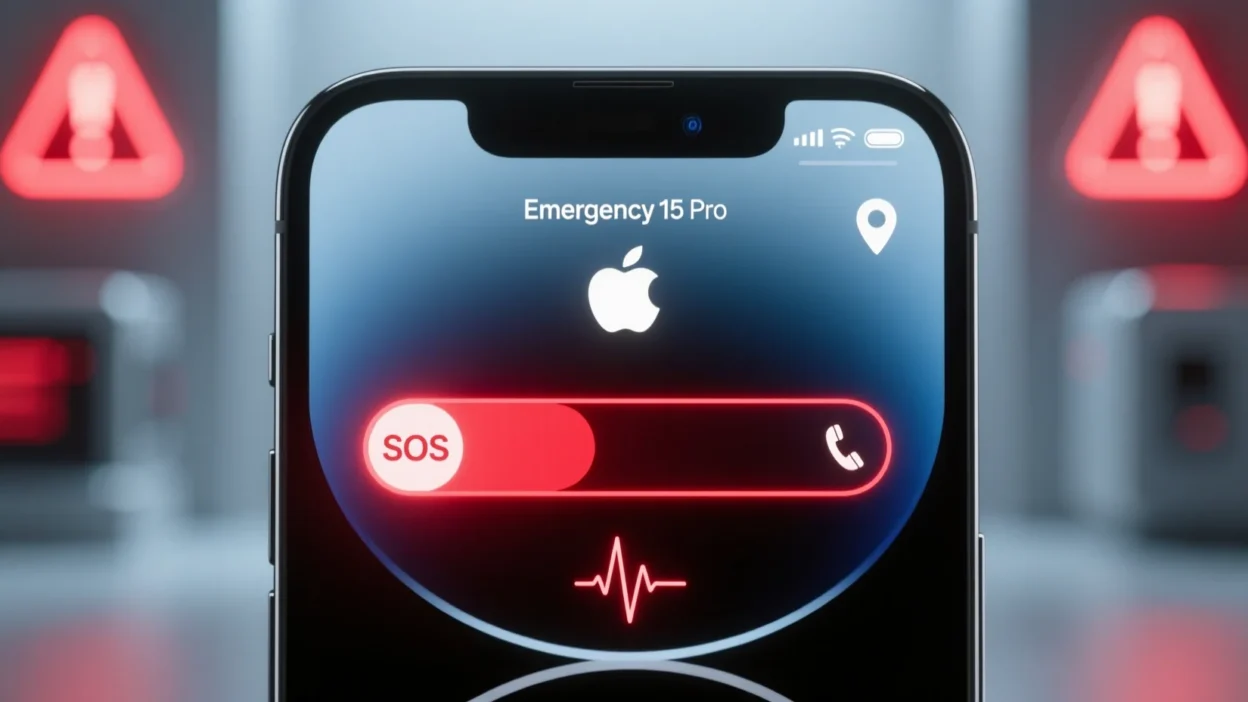
Have you ever noticed “SOS” on your iPhone or in settings and wondered what it actually means? If so, you’re not alone.
Many iPhone users see SOS appear but don’t fully understand its purpose or how to use it effectively.
SOS on iPhone is a vital safety feature designed to call for help quickly during emergencies. It can contact local emergency services and notify your trusted contacts of your location in critical situations.
Understanding SOS is crucial for anyone who wants to ensure personal safety or the safety of loved ones.
Quick Reply: SOS on iPhone refers to Emergency SOS, a safety feature that lets users instantly call emergency services and alert emergency contacts with their location.
In this guide, we’ll explore SOS’s meaning, origin, activation methods, common misunderstandings, usage scenarios, alternatives, and frequently asked questions, along with tips for safe use.
By the end, you’ll fully understand this lifesaving feature.
Definition & Meaning of SOS on iPhone
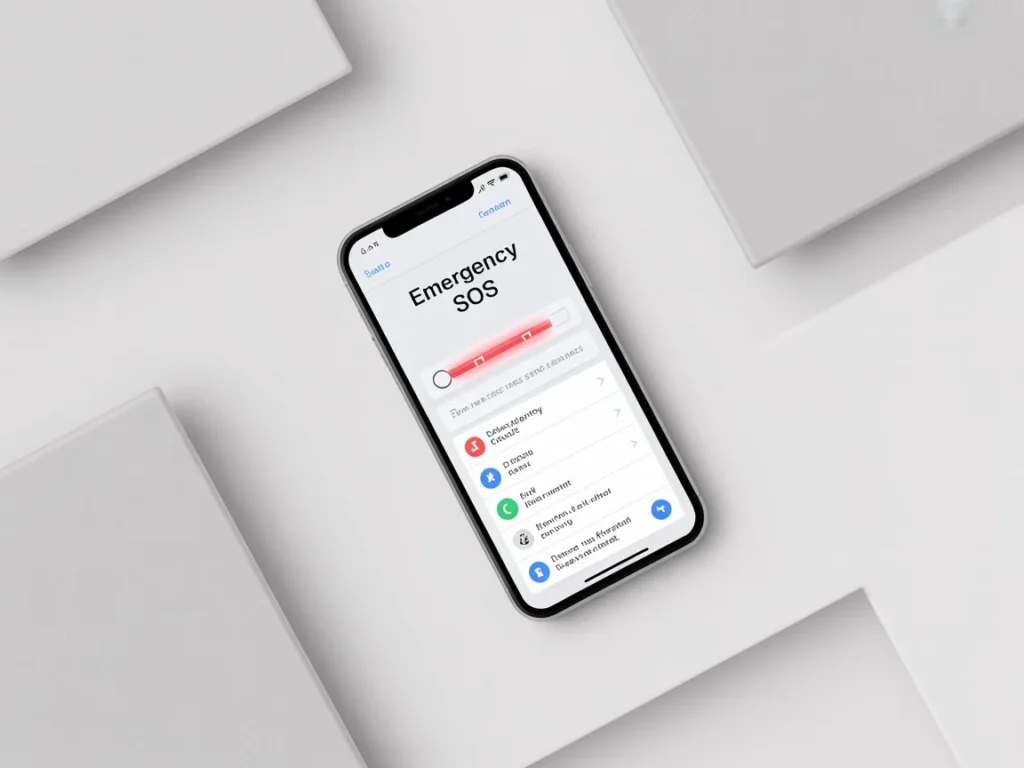
Primary Meaning
- On iPhones, SOS refers to Emergency SOS, a feature that automatically calls local emergency services when activated.
- It also alerts pre-selected emergency contacts with your location.
Secondary Meaning
- SOS is a universal distress signal, recognized globally as a call for help.
- Originally used in maritime and aviation contexts, it signals urgent need for assistance.
Practical Examples:
- Falling while hiking: pressing SOS triggers a call to authorities and sends location to contacts.
- Health emergency: an iPhone user with a medical condition can quickly summon help using SOS.
Tip: SOS is not merely a notification—it is an actionable safety feature designed to save lives.
Origins & History of SOS
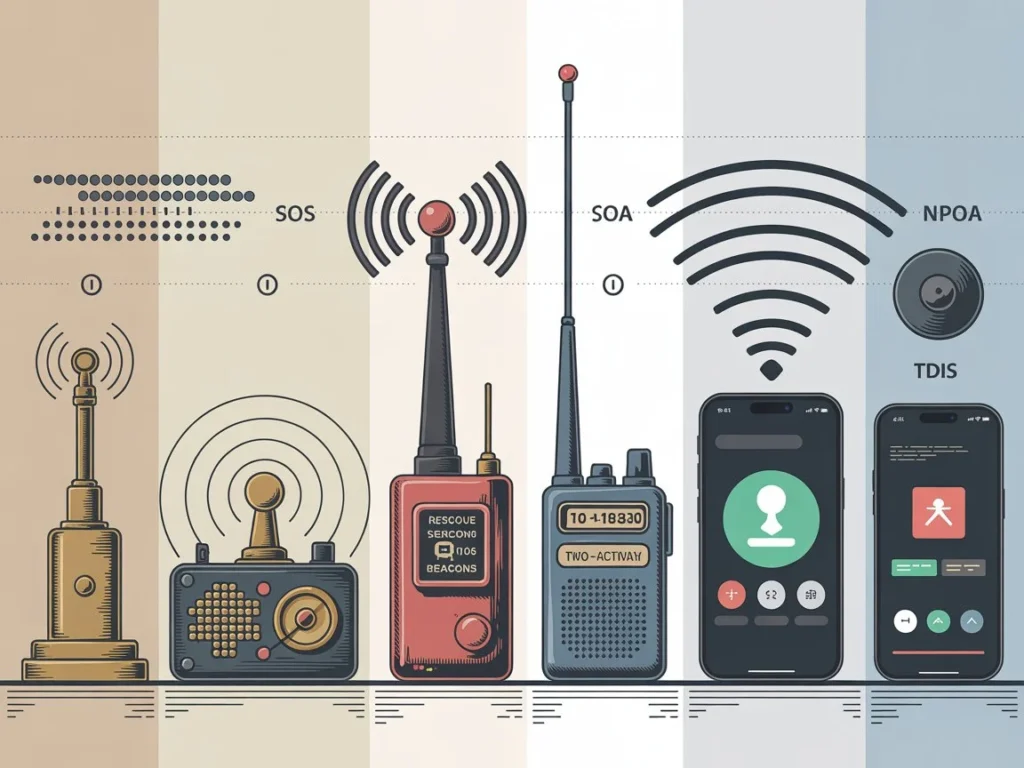
International Distress Signal
- SOS originated in 1905 as a Morse code distress signal, represented as … — ….
- It is recognized worldwide for emergencies, ensuring clear communication across languages.
Apple Integration
- Apple introduced Emergency SOS with iOS 11, combining the traditional distress signal with modern smartphone technology.
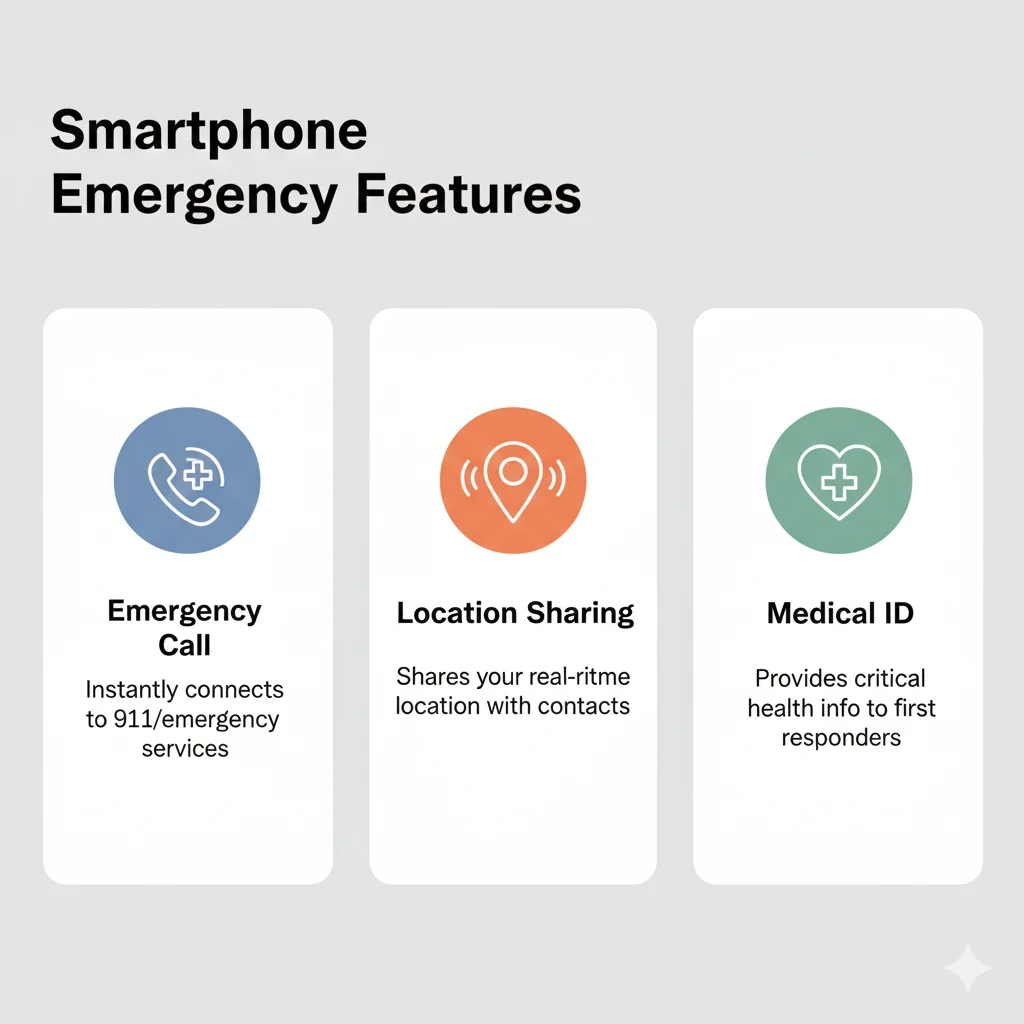
- The feature allows:
- Automatic emergency calls
- Location sharing
- Emergency contact notifications
- Automatic emergency calls
Fun Fact: Unlike other features, SOS bridges the classic emergency signal with modern tech to provide real-time safety assistance.
How SOS Works on iPhone
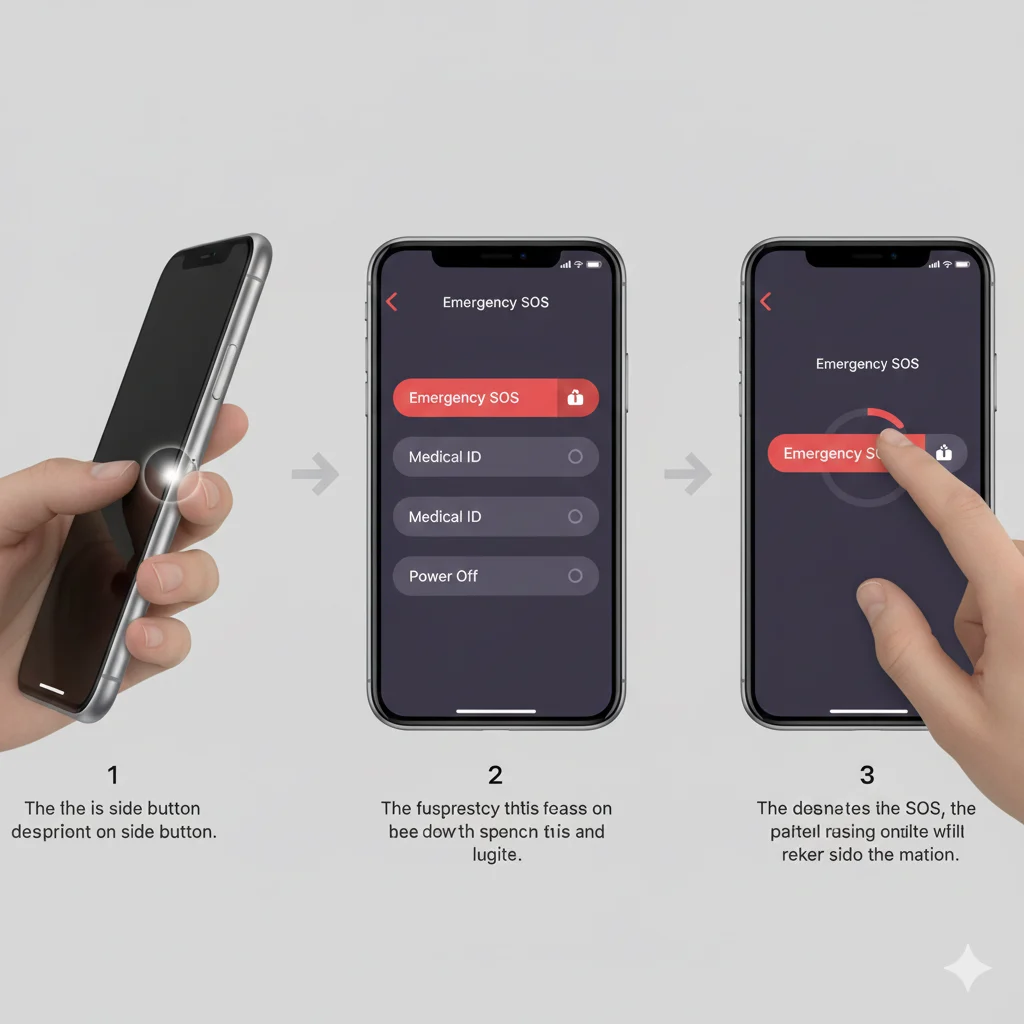
Activation Methods
- Side Button Method:
- Press the side button five times quickly (iPhone 8 or later)
- A slider appears to confirm the emergency call
- Press the side button five times quickly (iPhone 8 or later)
- Hold Buttons Method:
- Press and hold side button + volume button
- Emergency call begins automatically after a short countdown
- Press and hold side button + volume button
- Apple Watch Method:
- Press and hold the side button until Emergency SOS appears on screen
- Press and hold the side button until Emergency SOS appears on screen
Key Features
- Automatic Call to Emergency Services: Instantly connects to local authorities.
- Emergency Contact Alerts: Sends your current location to designated contacts.
- Countdown Timer: Allows cancellation if SOS is triggered by accident.
- Medical ID Integration: Shares vital health info with responders.
Example in Use:
- Solo traveler in a remote area falls. Press SOS sequence → iPhone calls emergency services and notifies loved ones.
Common Misunderstandings & Clarifications
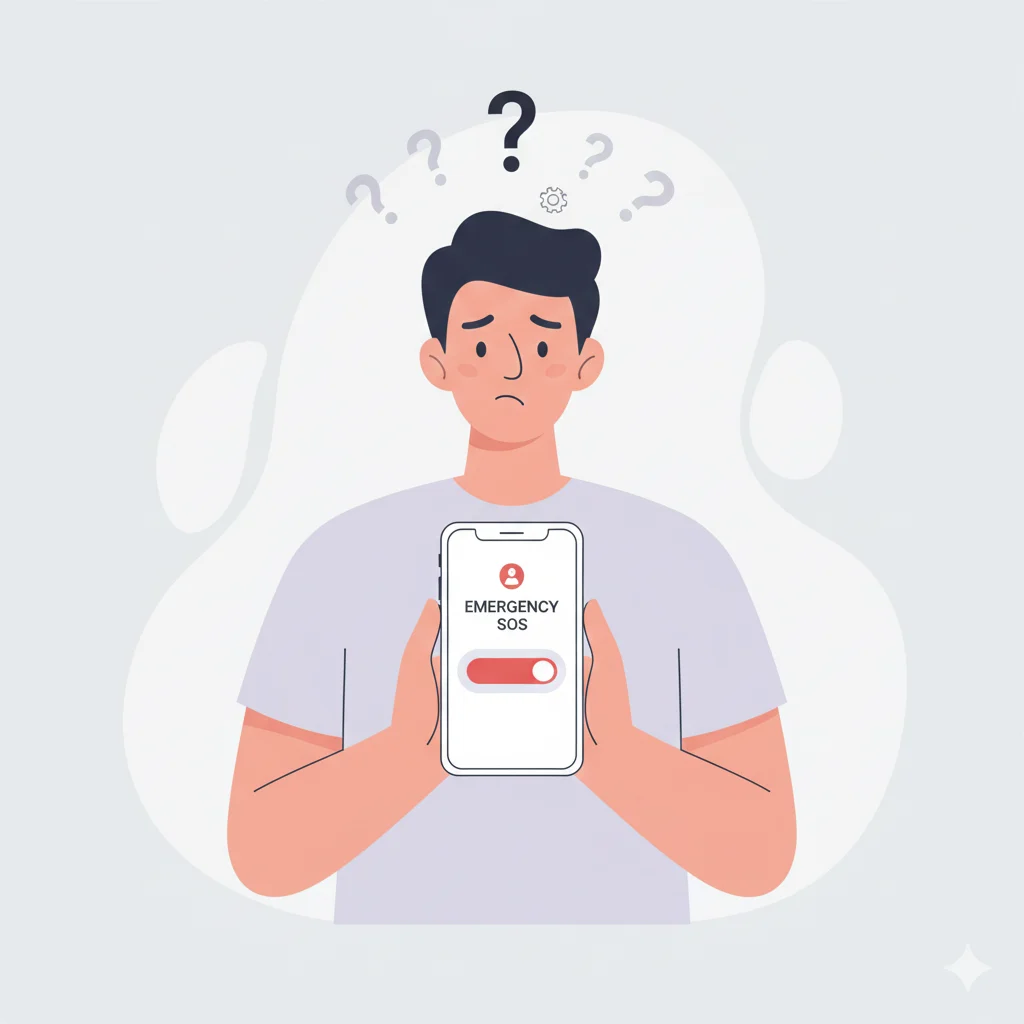
- It’s Not Just a Notification: SOS initiates a real emergency call.
- Accidental Activation Is Possible: Side button presses can trigger SOS, but the countdown allows cancellation.
- Works Worldwide: Even abroad, SOS uses local emergency numbers.
- No Extra Cost: It uses your cellular connection and typically does not incur additional charges.
Clarification Example: Many users think SOS is a “panic alert only,” but it is an integrated safety system with multiple functions including calling, location sharing, and medical ID access.
Usage in Different Contexts
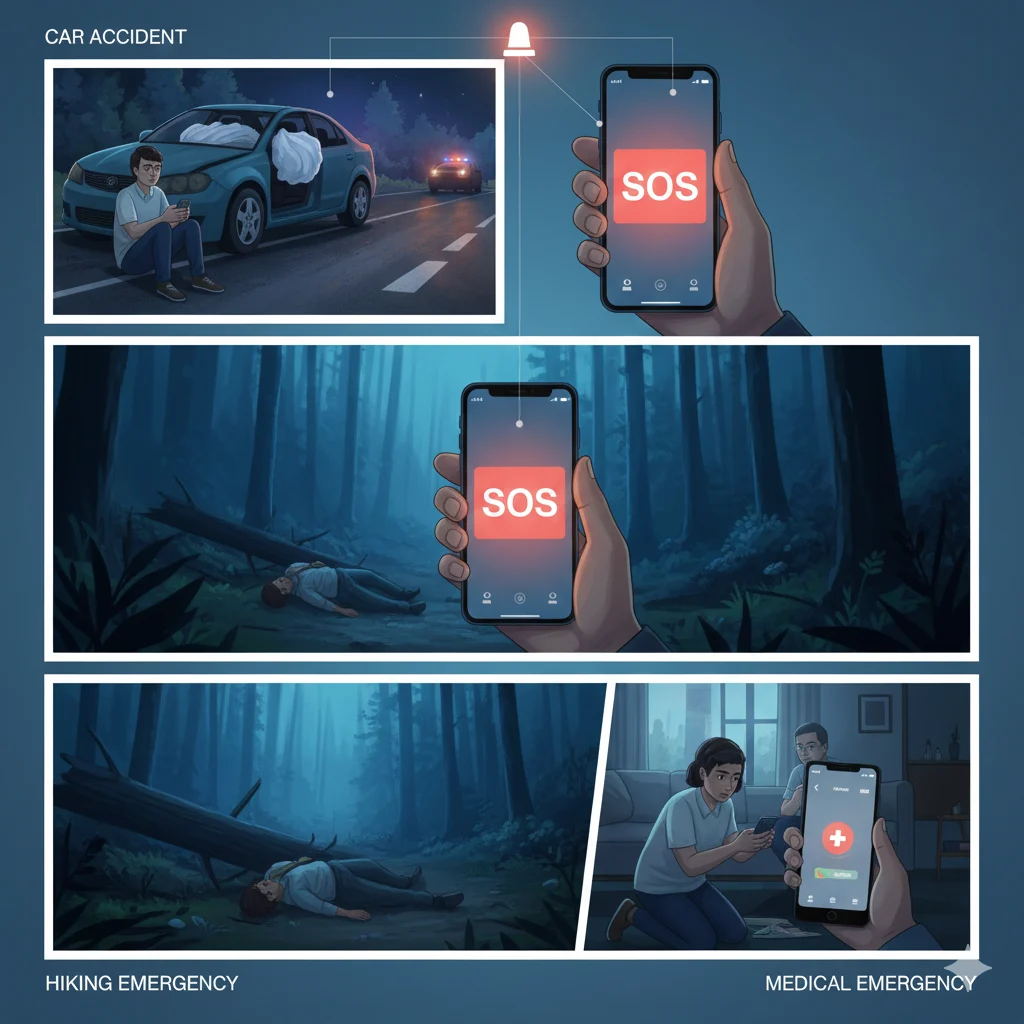
Personal Safety
- Older People individuals or those with medical conditions can use SOS for rapid assistance.
- Works during home emergencies, health crises, or when traveling alone.
Travel & Outdoors
- Essential for hikers, solo travelers, and drivers in remote areas.
- Sends location and emergency call even if cell reception is spotty.
Medical Emergencies
- Can share Medical ID info like allergies, blood type, medications, or chronic conditions.
- Ensures first responders have critical health information before arrival.
Home & Urban Safety
- Useful during break-ins, accidents, or other urban emergencies.
- iPhone sends instant alerts to both emergency services and family/friends.
Pro Tip: Combining SOS with an Apple Watch ensures help can be called even when your phone is unreachable.
Step-By-Step Setup for SOS & Emergency Contacts
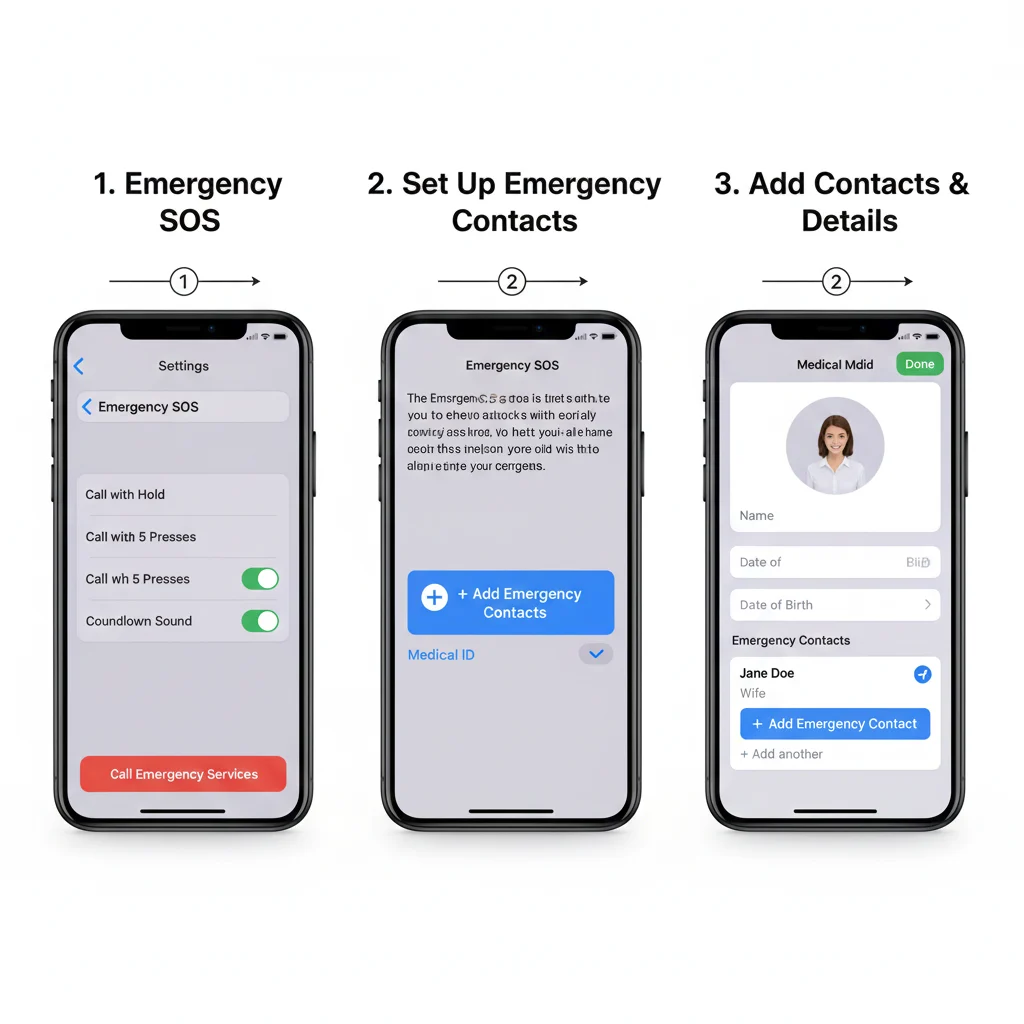
- Open the Health app → Tap Medical ID
- Add your emergency contacts
- Enable Auto Call in Settings → Emergency SOS
- Test the SOS sequence safely to familiarize yourself with countdown and alerts
- Keep your iPhone updated for latest safety features
Extra Tip: Ensure your contacts have location sharing enabled to receive real-time updates.
Alternatives & Similar Features
| Feature | Description | Use Case |
| 911 Call | Direct emergency call in the U.S. | Only local emergency number |
| Medical ID | Shares health info | Health emergencies |
| Find My iPhone | Sends location to trusted contacts | Lost phone or safety tracking |
| Panic Apps | Third-party apps | Custom alerts and GPS tracking |
Tip: SOS is the most reliable native option integrated with iOS and Apple Watch.
Also Visit: What Does ASL Mean? Meaning, Usage, and Example 2025 Guide
Frequently Asked Questions (FAQ)
1️⃣ What does SOS mean on iPhone?
Emergency SOS feature that calls local authorities and alerts emergency contacts.
2️⃣ How do I activate SOS?
Press side button five times or hold side + volume button. Countdown appears.
3️⃣ Can I cancel an SOS call?
Yes, a countdown allows cancellation to prevent accidental calls.
4️⃣ Will SOS work without internet?
Yes, it relies on cellular networks, not Wi-Fi.
5️⃣ Can I set up emergency contacts?
Yes, through Medical ID in the Health app.
6️⃣ Does SOS notify family automatically?
Yes, designated contacts receive alert messages with location.
7️⃣ Is SOS available worldwide?
Yes, it connects to local emergency numbers internationally.
8️⃣ Can I use SOS discreetly?
Yes, by holding buttons until auto-call starts—without unlocking the phone.
9️⃣ What happens after SOS is triggered?
iPhone calls emergency services, sends location updates, and repeats until canceled.
10️⃣ Is SOS reliable for all iPhone models?
Most modern iPhones (iPhone 8 and later) and Apple Watches support Emergency SOS. Older models may have limited functionality.
Conclusion
SOS on iPhone is a powerful, life-saving tool that combines global emergency standards with modern technology.
From medical emergencies to accidents, it allows users to call authorities instantly, alert emergency contacts, and share vital location and health information.
Setting up SOS correctly and understanding how it works ensures you or your loved ones are prepared for any unexpected situation. Remember, SOS is more than a button—it’s a digital lifeline that can save lives and provide peace of mind.
Keep your emergency contacts updated, practice activation, and understand SOS fully—because in emergencies, every second counts.